

TezBook is even easier to use: what’s new for you
Less manual work, less confusion, and better-organized bookings.
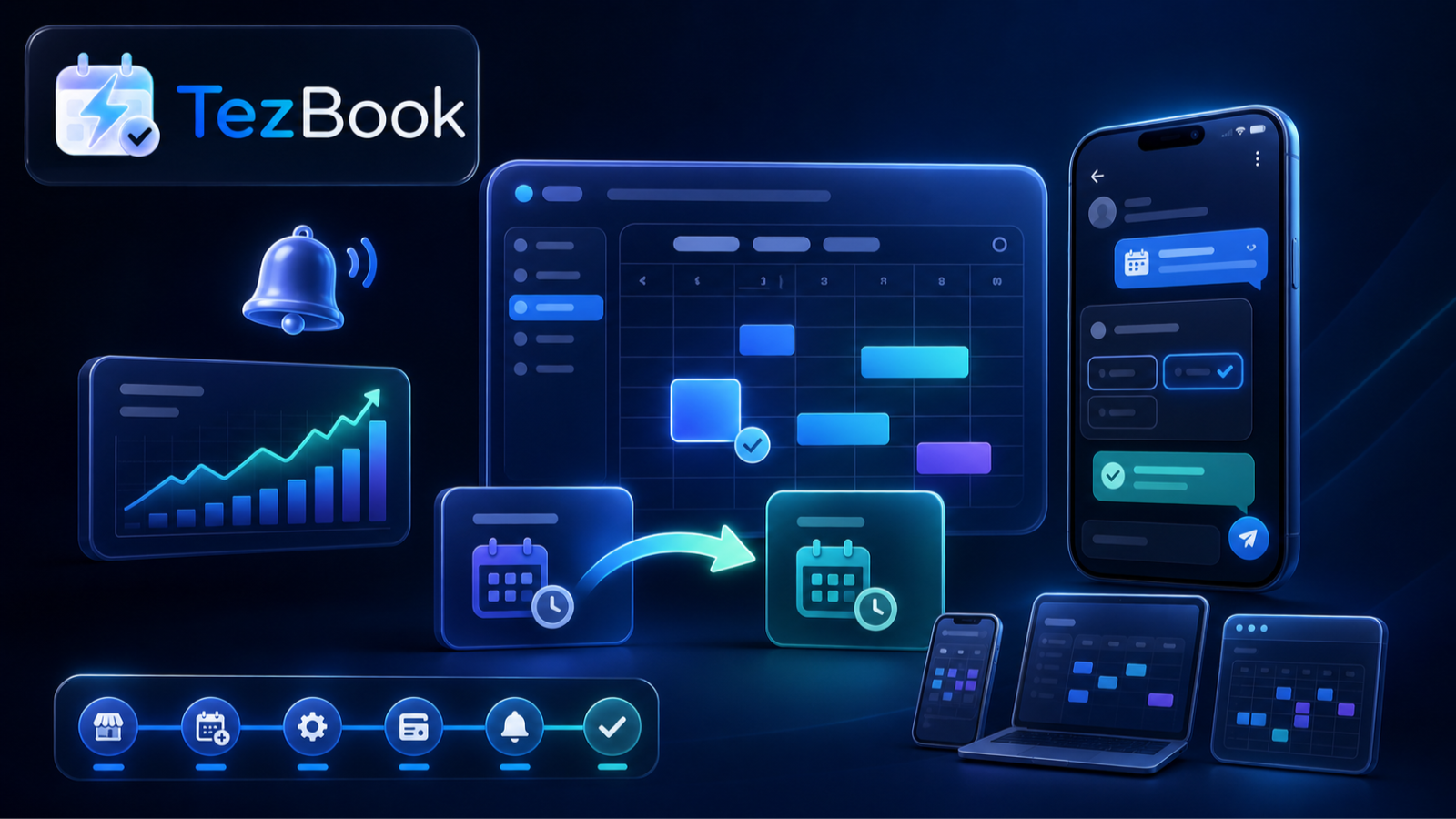
Recently, TezBook has gained many useful features. They all have one simple goal: to make it easier for you to manage bookings and easier for clients to book.
Add a booking to any calendar
After booking, a client can save the visit to a calendar on their phone or computer. Google Calendar, iPhone Calendar, Outlook, and other apps are supported. The date, time, and address are saved automatically — there is nothing to copy manually.
All client information in one place
TezBook keeps the client’s name, phone number, and visit history in one client profile. You no longer need to remember where the conversation took place or search old messages for a number. The information you need is always close at hand.
Book several services in one appointment
If a client needs several services at once, they can be added to one visit. TezBook will show the total time and cost automatically. The client will not need to create several separate bookings.
Easily reschedule a booking
Plans changed? Move the booking to another available time. The old time becomes available, and the new one appears in the schedule. This means fewer long conversations and fewer accidental mistakes.
A clearer schedule
The dashboard shows who is booked, when the visit is, and which specialist will provide the service. You can quickly check the day, find a booking, and see who on the team has free time.
Telegram helps you stay on top of everything
When there is a new booking, reschedule, or cancellation, TezBook can notify you in Telegram. A reminder can be sent before the visit. The client remembers the booking, and the team learns about changes in time.
Connect your own Telegram bot
If this feature is included in your plan, clients can book through your bot. They will see your familiar company name, while every booking will still be saved in TezBook.
Getting started is easier
TezBook shows clear steps: add services, specialists, working hours, and Telegram. If something is not ready yet, the service will tell you what to do next. The light and dark themes are also cleaner and more comfortable for everyday work.
What should you do now?
Nothing complicated. Open TezBook, check your company settings, and try the new features. Some features depend on your plan and selected settings. If you have a question, contact support — we will help.
TezBook continues to grow. The service is currently in Beta, so we carefully collect feedback and keep improving the product.